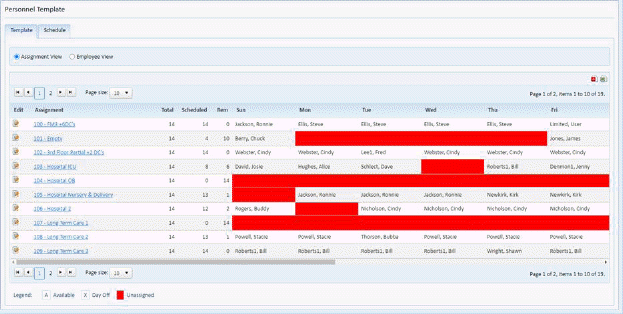
On the Template tab in the Personnel module, the user can access the Schedule/Template tab in the Daily Assignments module by doing the following:
1. While
in the Template tab in the Personnel Module, click on the Edit button  in the Edit column for one of the
assignments listed.
in the Edit column for one of the
assignments listed.
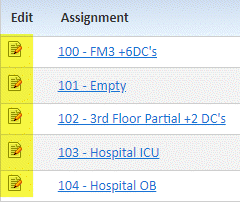
2. Clicking on the Edit button will open the Schedule/Template tab in the Daily Assignments Module.
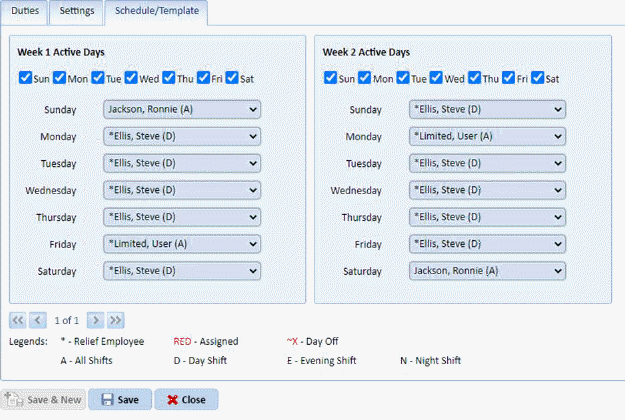
3. See the section: “Daily Assignments Module Schedule-Template Tab” for more details.
4. Repeat steps 1 to 3 for all other assignments you wish to change.