Below are the steps to view and edit a scheduled class:
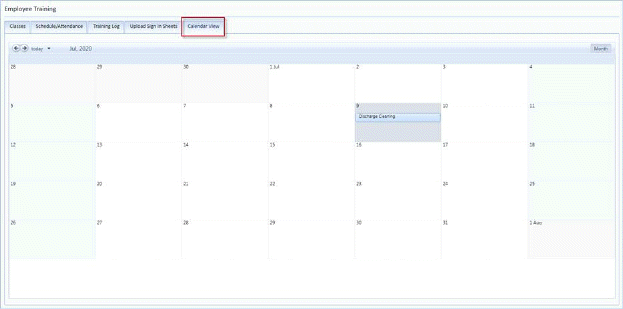
1. While in the Employee Training Module, click on the Calendar View button to open the figure below:
2. Click on the Class you want to view or edit.
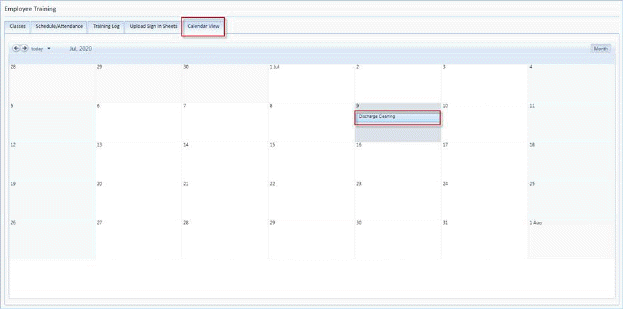
You will get the figure below:
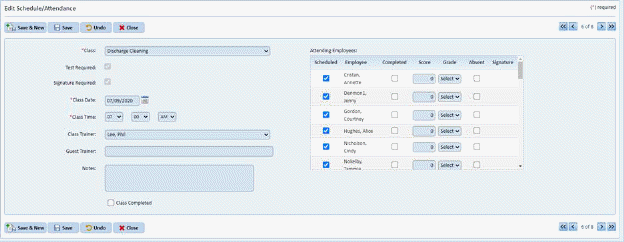
3. From
here users can complete the class 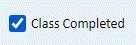 and enter any necessary information
regarding the class.
and enter any necessary information
regarding the class.
4. Click
on the Save button  to save the
changes or
to save the
changes or  to save an create a new
class OR click on the Undo button
to save an create a new
class OR click on the Undo button  to clear changes made, or the Close
button
to clear changes made, or the Close
button  to go back to the Calendar
View Tab.
to go back to the Calendar
View Tab.