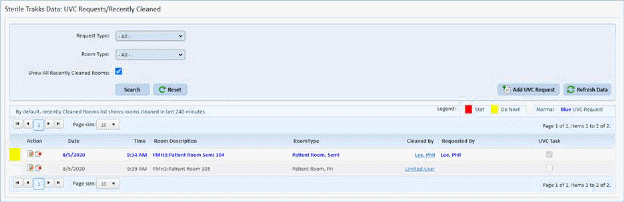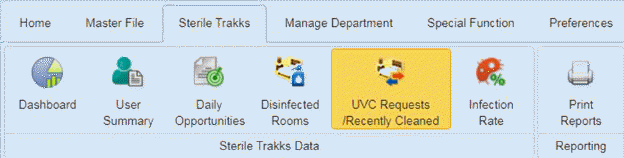
The UVC Requests/Recently Cleaned menu allows the user to view UVC Requests and/or Recently Cleaned rooms in the prior four hours. User may add a UVC request directly from this screen.
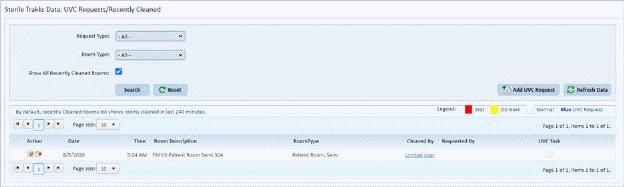
1. User Selects Request Type (Recently Cleaned Rooms, UVC Requests, or All).
2. User selects Room Type or All.
3. User may check “Show All Recently Cleaned Rooms” checkbox if desired. A screen similar to the one below will be shown: