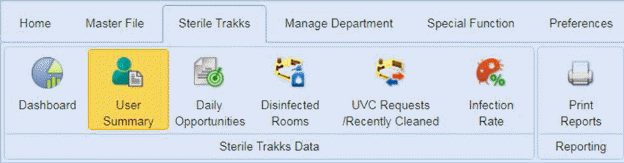
The user Summary icon can provide some basic statistics by user over a selected time frame via the date dropdown as shown below:
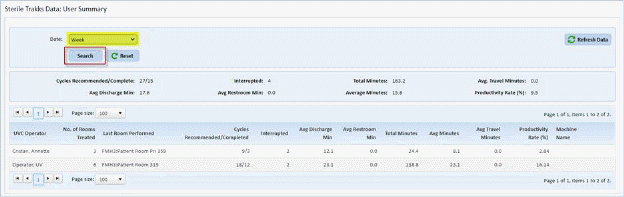
Date selection options are Today, Yesterday, Week, Month, Quarter, 6 Months, Year, or Custom (any date range you select).
Please use the Reset button  to clear your data and enter new data.
User may also use the Refresh button  should you wish to view current data
(today) just off the server.
should you wish to view current data
(today) just off the server.