 , specify the
criteria in the options available as shown in the figure below:
, specify the
criteria in the options available as shown in the figure below:After an employee has corrected a fault, its status in the Faults Management must be updated to reflect that change.
Below are the steps to update the status of a fault:
1. While
in the Faults option , specify the
criteria in the options available as shown in the figure below:

2. Select the Faults you want cleared by placing a check mark in the check box(es) as shown in the figure below:
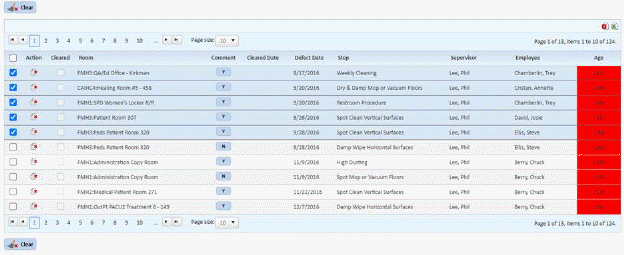
3. Click
on the Clear button .
.
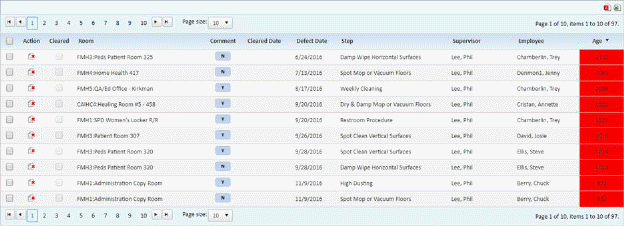
4. You
can also remove faults by deleting them one at a time by clicking on the delete
button  before the Room
Name/Description.
before the Room
Name/Description.
5. Repeat steps 1 through 5 for all faults you want deleted.
Note: This is not the same as “Clearing” a fault (correcting).