 to open the form below:
This function of Mass Update allows the user to specify the Official Hospital Bed Numbers for patient rooms.
To update the Patient Bed Number for patient rooms, perform the following steps:
1. You can filter the rooms you want to
update by using the ‘Select Room to make changes to’ button to open the form below:
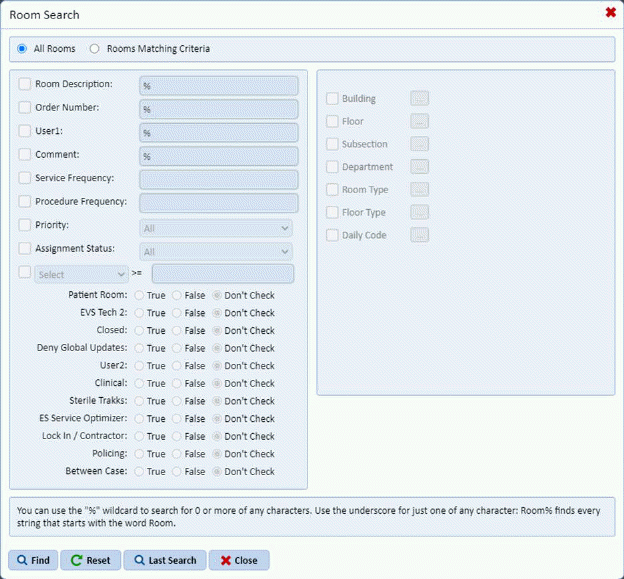
2. Enter
the search criteria for the rooms you want to modify and click the find
button . You will then see the screen
below:
. You will then see the screen
below:
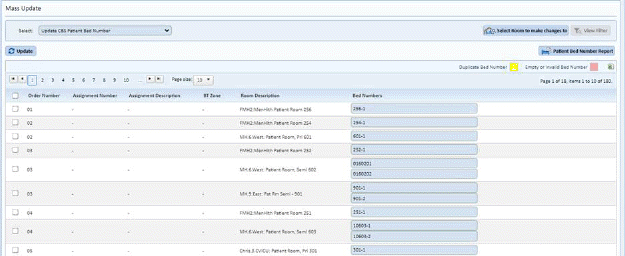
3. Select the Rooms you wish to update by clicking on the check box before the Order Number column.
4. Enter the necessary Patient Bed Number for the fields provided as shown below:
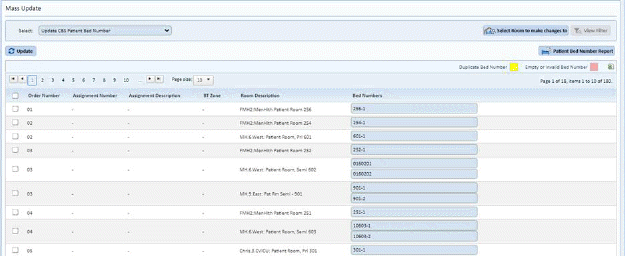
5. Click
on the Update button  to update the
selected room(s).
to update the
selected room(s).