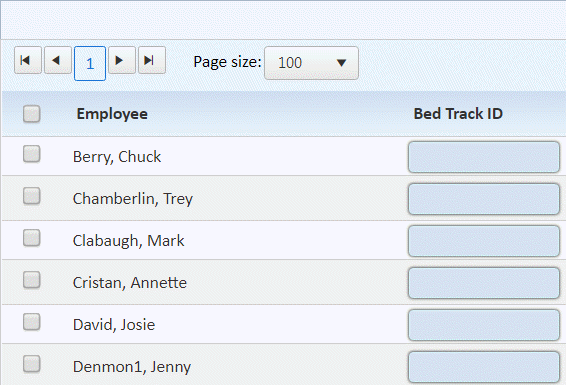
This function of Mass Update allows the user to update the Employees Bed Tracking ID in an expedited fashion.
1. Upon selection you will see a list of all employees in alphabetical order as shown below:
2. You
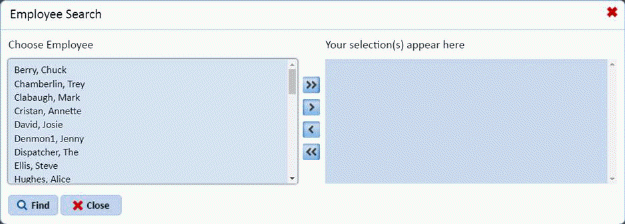
can use this listing as is or use the “Select Employees” button  . To define the list of employees you wish to
work with as shown below:
. To define the list of employees you wish to
work with as shown below:
3. Select
the employee on left and use the arrow buttons  to move selections to/from the right
selection window as desired.
to move selections to/from the right
selection window as desired.
Note: you may also use the delete
button  to remove them in one
step.
to remove them in one
step.
4. When
you are finished with your selections click the Find button and your selections will appear in the main
window as shown below:
and your selections will appear in the main
window as shown below:
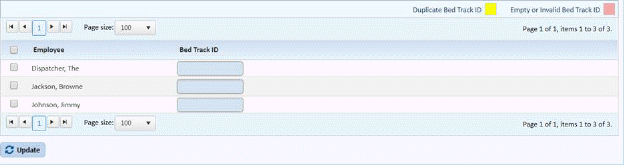
5. You may select the employee using the check box at left of their name and enter the Bed Track ID in the box at right.
6. When
you have finished with your entry click the “Update button .
.