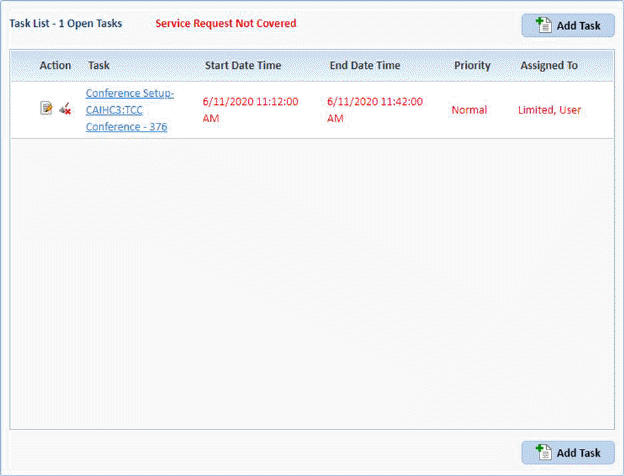
Below are the procedures for completing a task in the Task Manager:
1. Open the Home page to view the Task Manager on left as shown below:
2. If
your task does not show you may Search for tasks by using the Find button which will display the task filter
as shown below:
which will display the task filter
as shown below:

3. Select
the appropriate criteria for the desired task and click the Find button  . You will see the screen
below:
. You will see the screen
below:
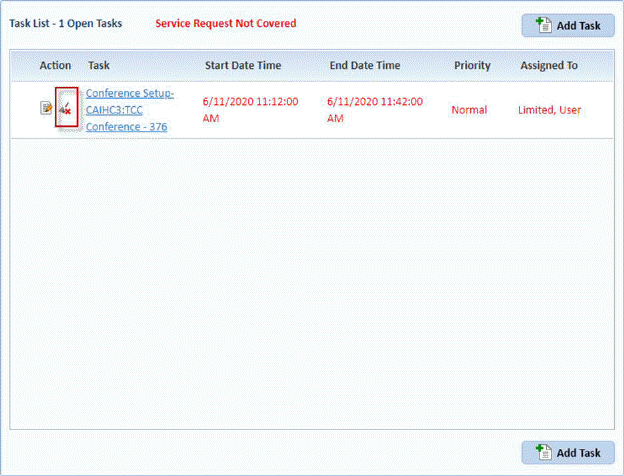
4. You
can use the Task Completed Icon  before the task name to complete the
task. You will get the prompt below:
before the task name to complete the
task. You will get the prompt below:

5. Answer the prompt.
6. Repeat steps 2 through 4 for all other tasks you want to delete.