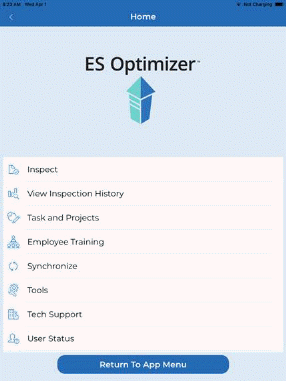
After finishing your inspection, you should synchronize as soon as possible with the ES Optimizer system to ensure your data is saved to the ES Optimizer web application.
Below are the steps to synchronize your data:
1. While in the ES Optimizer screen (shown below), tap the Synchronize button.
2. Tap on the Yes button for the prompt below:
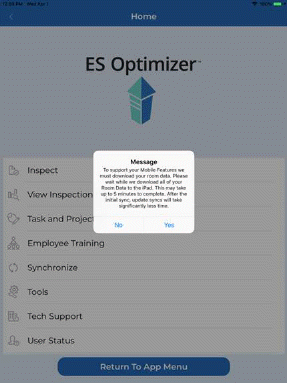
3. Wait for the synchronization process to the cloud to finish.