 to open the
figures below:
to open the
figures below:1. Using your Apple iPhone/iPod/IPad, locate the ES Optimizer Mobile App or the Sterile Trakks App. The Sterile TRAKKS App will be shown in all screenshots below. If you use ES Optimizer Mobile and select the Sterile TRAKKS module it will have a different color scheme but will maintain the same functionality as described below.
2. Tap
the Sterile TRAKKS Icon to open the
figures below:

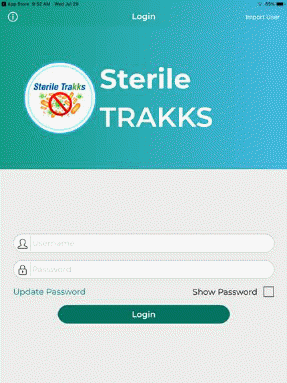
3. Login after entering your username and Password. You will receive the figure below:
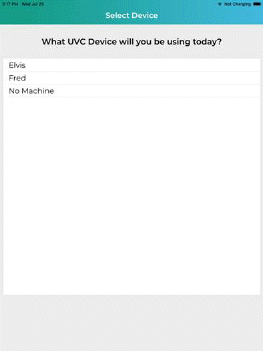
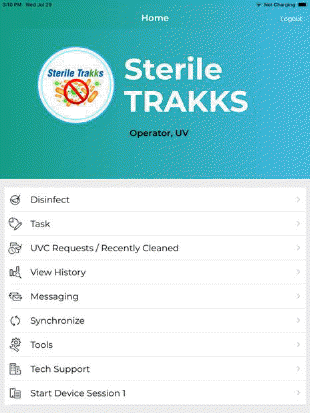
4. Select the UVC device that you will be using, you will then see Home screen as shown below: