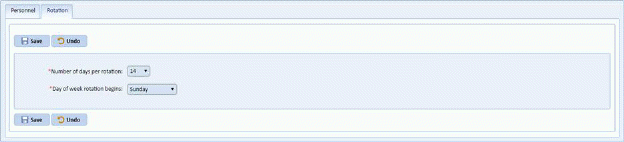
By going to Preferences >> Personnel form, select the Rotation option and you will open the figure below:
Every department's Days-Off Rotation starts on a particular day. You will need to make sure that the day your department's rotation starts is correctly identified. You also need to enter the number of days that your rotation "turns over" and starts again. For example, if your calendar starts over every two weeks, you would enter 14.