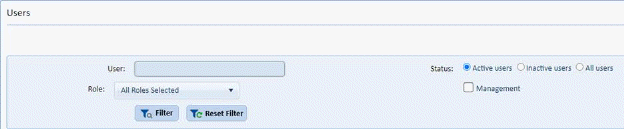
As larger facilities utilize ES Optimizer it becomes necessary to be able to locate a user more easily. A user search box along with Role stipulation and a “Management” flag has been added to User Management as shown below:
1. User may enter a name or portion of a name, Select one or more roles, and even select the Management designation as shown below:
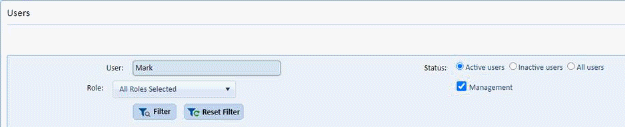
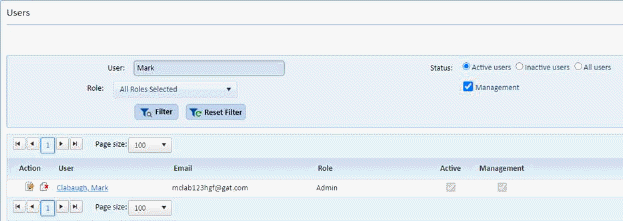
2. Click the Filter button to see your results or Reset Filter button to clear and change your selections.
3. User may also search inactive users for the purposes of re-activating by selecting the inactive users radio button.
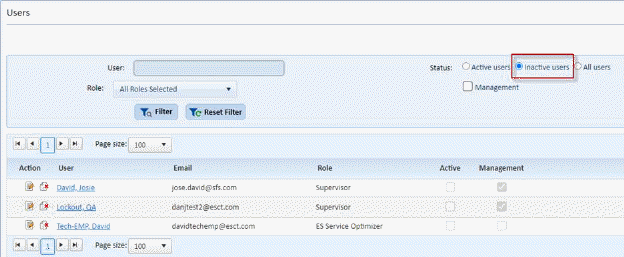
To re-activate an inactive user, edit the user, check the Active checkbox, and save the user record.