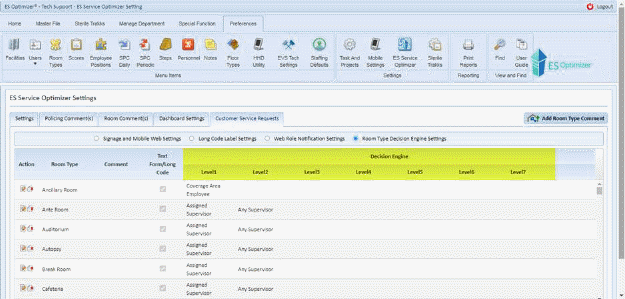
We have added decision engine mechanism in the form of levels in Preferences > ES Service Optimizer > Customer Service Requests Tab > Room Type Levels Settings.
The Room Type Levels defines where a service request is to be assigned and is very useful if the desire is to automate who gets the request based upon their area/s of assignment and or coverage area/s. It is important to note that the levels must be defined for “Text Comment” only room types as well as those with a predefined comment in order to ensure the request is dispatched properly. The Service Request Assignment logic is explained in the Service Request Assignment Logic section.