 . You will get the figure below:
Before using ES Service Optimizer Tech Mobile App (for Employees), users must first register their account information. Account information can be obtained from ES Optimizer Admin Users.
Below are the steps to register employees with the ES Service Optimizer Tech Mobile App:
1. Open ES Service Optimizer Tech Mobile App
by clicking on the ES Service Optimizer Tech button . You will get the figure below:
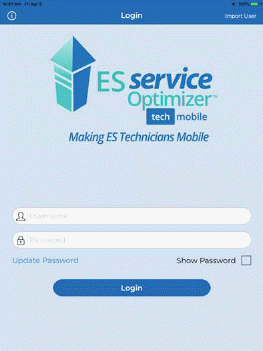
NOTE: The Update Password link allows the user to obtain the actual password from the ES Optimizer Web account. This is especially useful following password changes. This ensures that the user is an actual user of ES Service Optimizer Tech.
2. Tap on
the "Import User" button  . You will
see the figure below:
. You will
see the figure below:
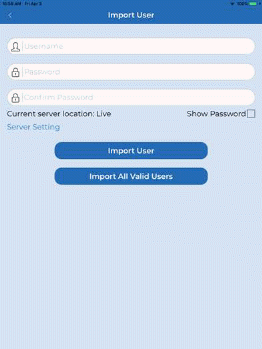
3. Enter the Username, Password, and Confirm Password as shown below.
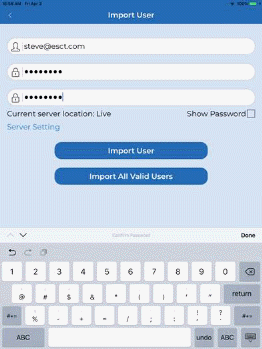
4. Tap on
the "Import User" button  . If
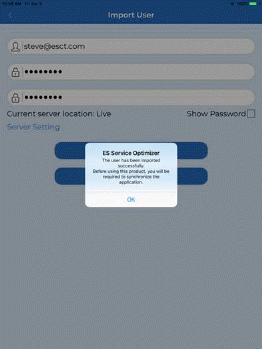
registered successfully, the user will be prompted with the figure below:
. If
registered successfully, the user will be prompted with the figure below: