To reactivate one or more users that have been deactivated follow the steps below:
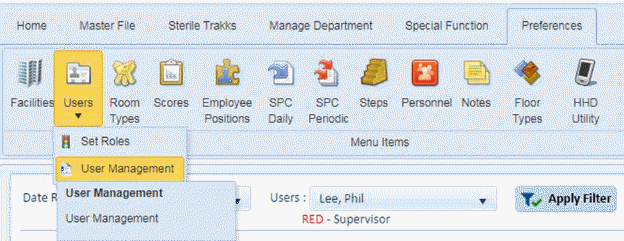
1. Open the Preferences > Users > User Management option as shown in the screenshot below:
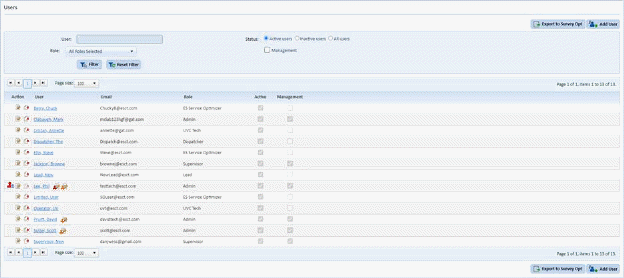
You will be shown a screen similar to the one below:
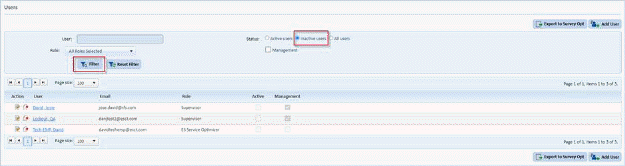
2. Select the inactive users radio button and click the “Filter” button to display the list of inactive users:
3. Click
on the Edit button  or on the name
of the user to display the figure below:
or on the name
of the user to display the figure below:
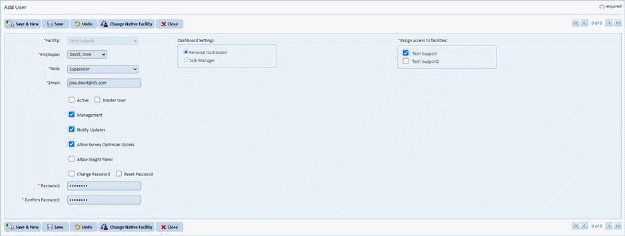
4. Click the “Active” checkbox to select it.
5. Click the “Save” button to reactivate the user
6. Repeat steps 3 through 5 for all the users you wish to reactivate.