 while
the Staffing Analysis Module is open:
while
the Staffing Analysis Module is open:First, you need to print out all the reports showing time
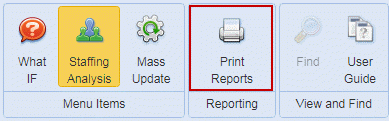
requirements for work, daily or periodic. You can access them by clicking
on the Print Reports button while
the Staffing Analysis Module is open:
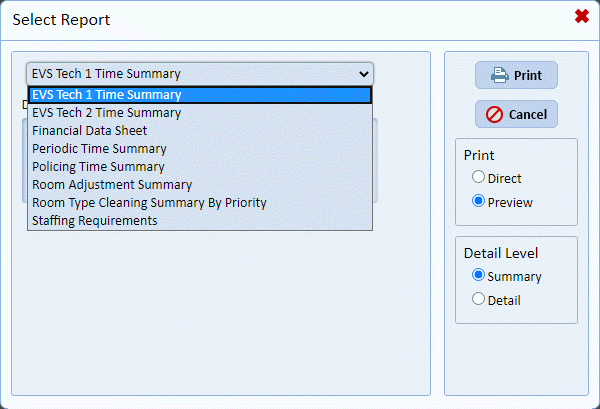
The following reports produce the vital information you need:
•EVS Tech I Time Summary – This report provides a summary of the amount of time for EVS Tech I type cleaning to be performed.
•EVS Tech II Time Summary – This report provides a summary of the amount of time for EVS Tech II type cleaning to be performed.
•Policing Time Summary – This report provides a summary of the amount of time for policing work to be done.
•Periodic Time Summary – This report provides the time needed to perform the EVS Tech III type work or periodic/projects in your facility.
From the information provided by the reports above, you can now begin to build staffing scenarios specific to the facility.