 to
open the Home Page form:
to
open the Home Page form:Below is the procedure to Print the message listing:
1. Click
on Home Page button to
open the Home Page form:
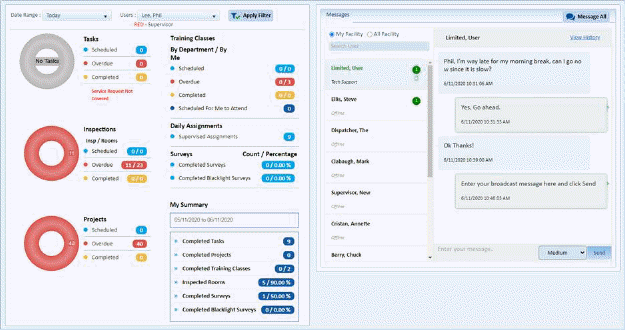
2. While
in Home Page, click on the Print Reports button and you will see the select Report box as
shown below:
and you will see the select Report box as
shown below:
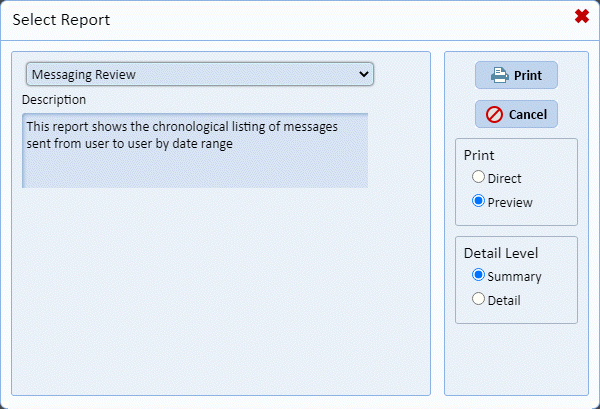
3. You’ll notice the default “Summary” report is “Messaging Review” so you can click print to view the report data dialogue box as shown below:
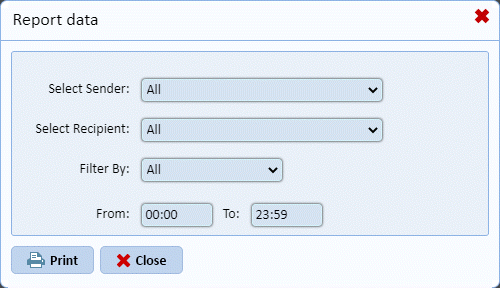
4. You
may choose one employee or All, Select the Priority or All, and Filter by
various date ranges. Make your selections and click the Print button .
.