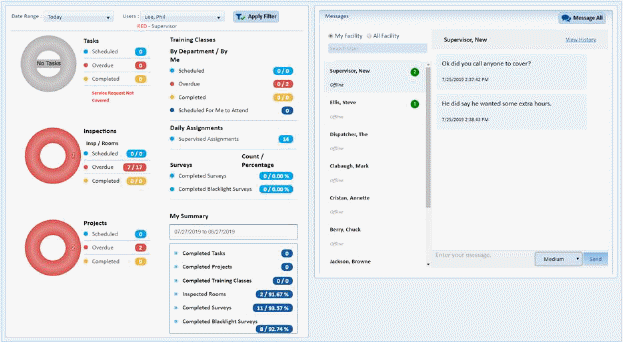
The personal Dashboard is displayed on the left and the Messages windows shows on the right:
Note: you can filter the statistics shown by Today, Current Week, or Last 30 Days, and User/s as shown below:

Many of the data options shown in the Personal Dashboard are Hyperlinks, clicking on them will show more information. An Example is shown below:
Clicking on Overdue Projects:
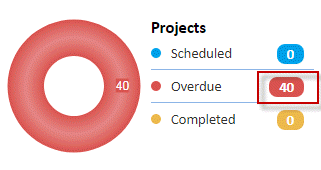
Takes you to the project Module where you’ll see the overdue project details as shown below:
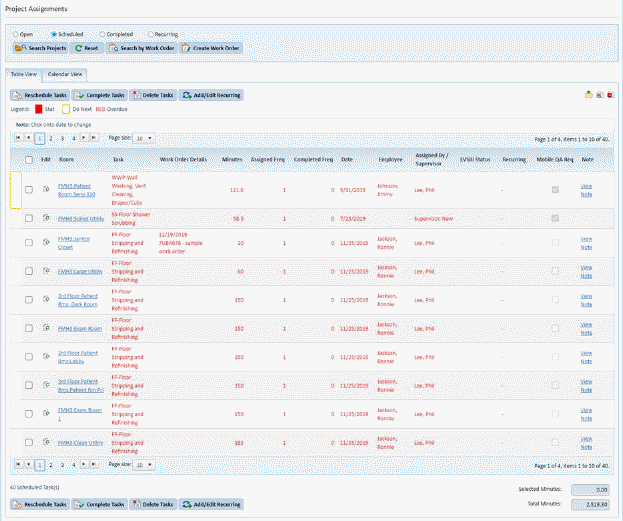
You’ll notice the project text is in red because they are overdue as the legend indicates.