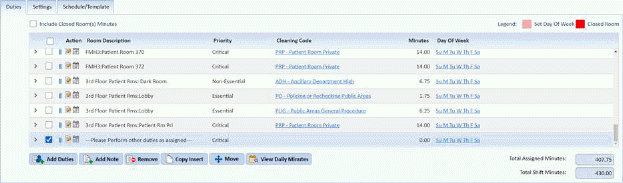
Below is the procedure to move duties/notes to another assignment:
1. Select the assignment that has the notes/duties you want to move.
2. Select the notes/duties you want to move. See example below:
3. Click
on the Move button  and you will
open the figure below:
and you will
open the figure below:
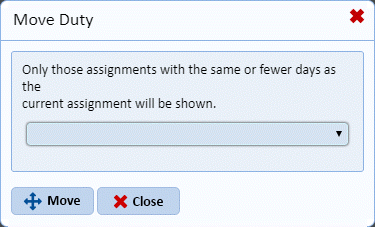
4. From
the drop-down field, select the assignment that will receive the additional
notes/duties. Click on the Move button.
5. If you choose to continue the process, the duties/notes you selected to move will be shown in the new assignment at the bottom of the list.
6. If you
are satisfied with the changes you have made to the current assignment, click on
the Save button . To cancel, click
on the Undo button
. To cancel, click
on the Undo button .
.
7. Repeat steps a through h for all other notes and duties you want to move.