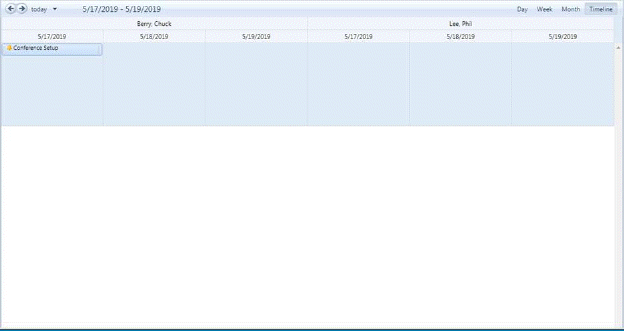
Below is the procedure to modify existing tasks or appointments:
1. Select and double-click on the task listed in the Calendar you wish to modify.
2. You will be routed to the form below:
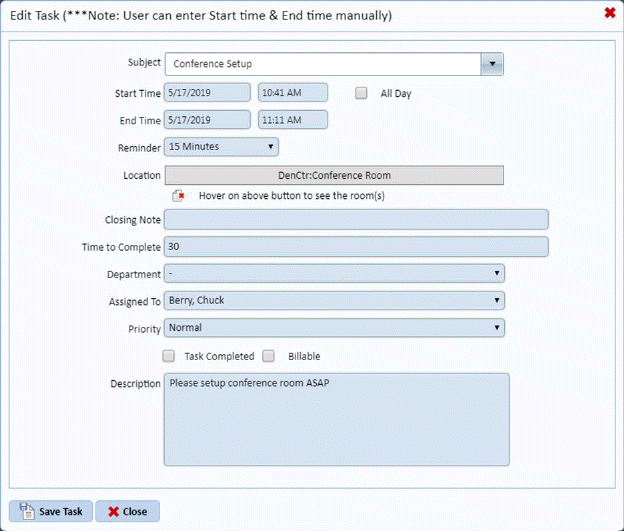
3. Enter the changes you want in the task.
4. After
making your changes, click on the Save Task button . Otherwise, click on the Close
button
. Otherwise, click on the Close
button .
.
5. Repeat steps 1 through 4 for all other tasks or appointments you wish to update.