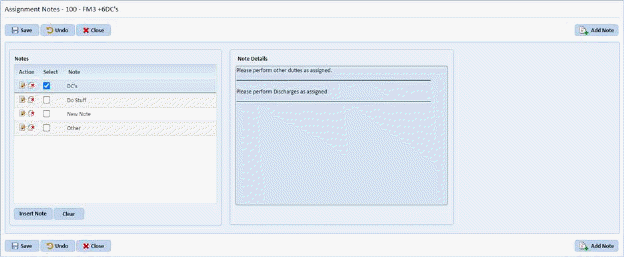
Below is the procedure to edit existing stored assignment notes:
1. Click on the Settings Tab. You will open the figure below:
2. Click
on the Insert Stored Assignment Note button . You will display the figure below:
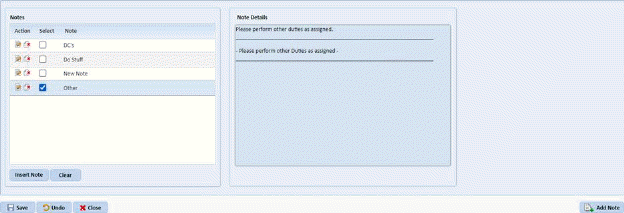
3. Under the Notes area, select the stored note you wish to edit/update.
4. Click
on the Edit button  before the Note
name. You will receive the figure below:
before the Note
name. You will receive the figure below:
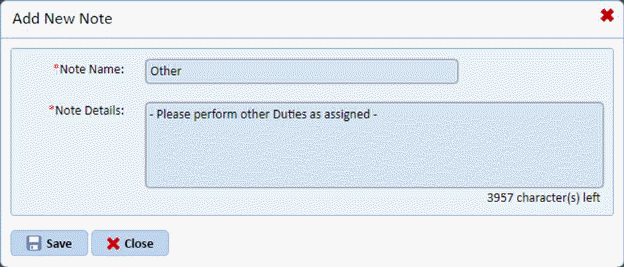
5. Enter the necessary changes to the stored note.
6. Click
on the Save button  to save the
changes to the stored note. To cancel, click on the Close button
to save the
changes to the stored note. To cancel, click on the Close button  to cancel the process.
7. Repeat steps 3 through 6 for all other stored assignment notes you wish to modify.