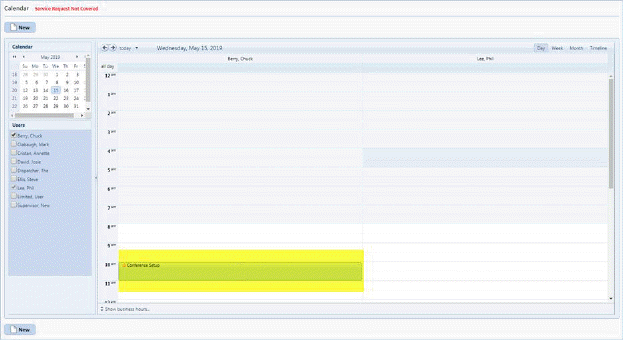
Below are the steps to modify existing tasks in Calendar/Task List:
1. Click on Task as displayed on the calendar view as shown below:
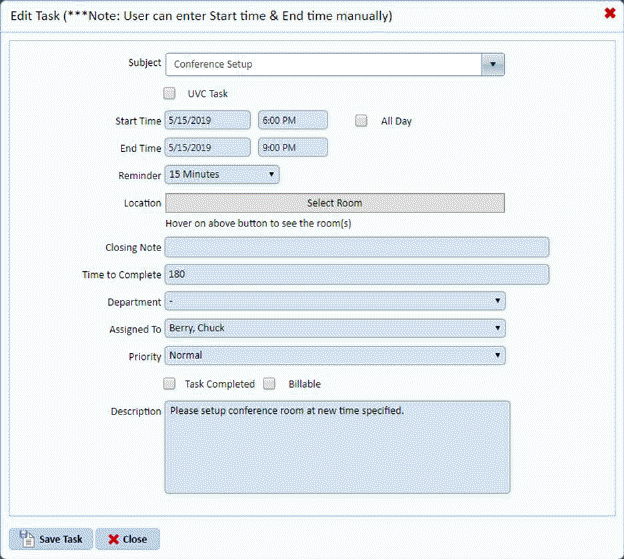
2. Double click on the task displayed and the Edit Task screen will be shown:
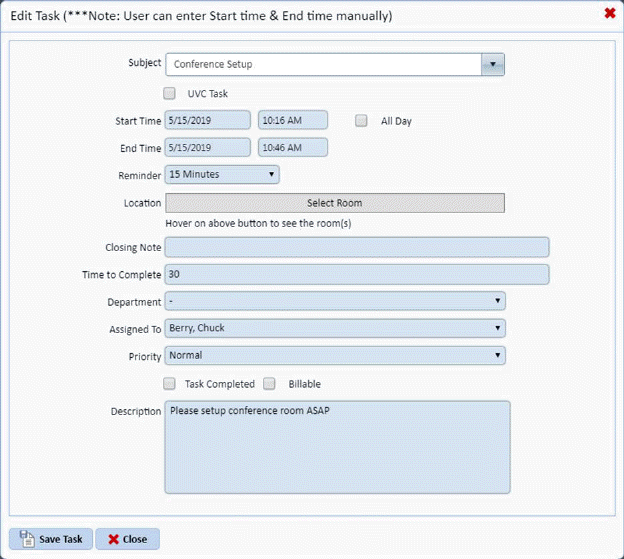
3. Make
changes as needed and click on Save Task  button, otherwise click Close
  button.
4. You
can also access tasks via the Task List button  to open the Task List
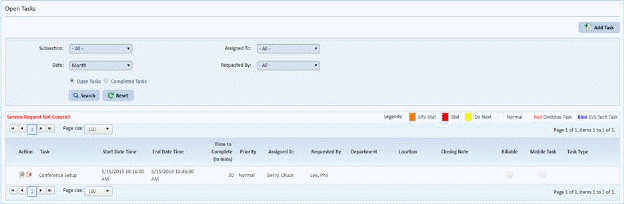
5. Select
the Task you want to modify/edit by clicking on the Edit button  before the task name. You will be
routed to the form shown below:
before the task name. You will be
routed to the form shown below:
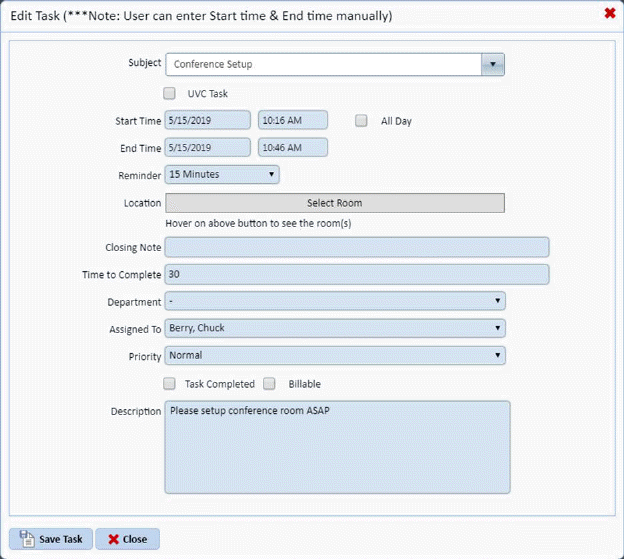
6. You can modify the necessary fields.
7. If you
are satisfied with your changes then click on Save button. Otherwise, click on Cancel button.
8. Repeat steps 2 through 4 for all other tasks you want to edit.