 to open the
Steps List:
to open the
Steps List:Below is the procedure to modify existing cleaning steps in ES Optimizer:
1. Click
on the Steps button to open the
Steps List:
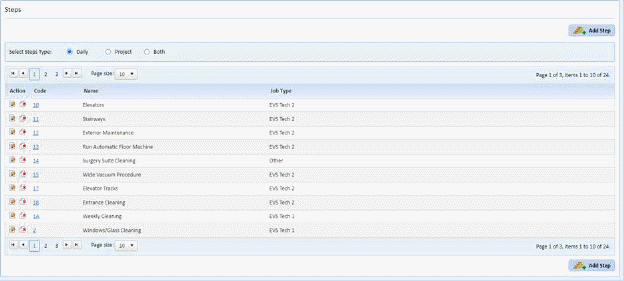
2. Click
on the Find button  you want to
delete and you will receive the figure below:
you want to
delete and you will receive the figure below:
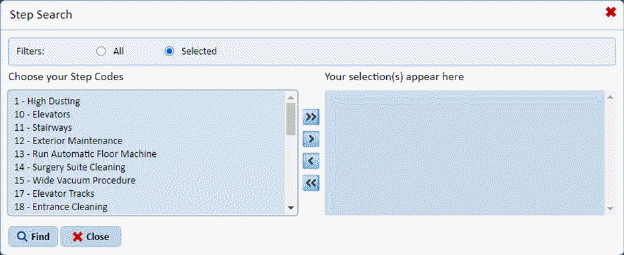
Or, use the Steps List to scroll through the step records:
3. Click
on the Edit button  before the step
number or on the step number itself to open the figure below:
before the step
number or on the step number itself to open the figure below:
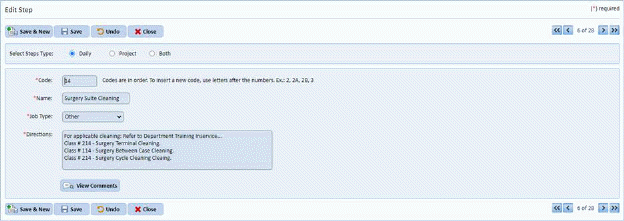
4. If you
are satisfied with your changes, click on the Save button . To cancel, click on the Undo button
 .
.
5. Click
on the Close button  to return to the
Steps List.
to return to the
Steps List.
6. Repeat steps 2 through 5 for all other steps you want to update/modify.