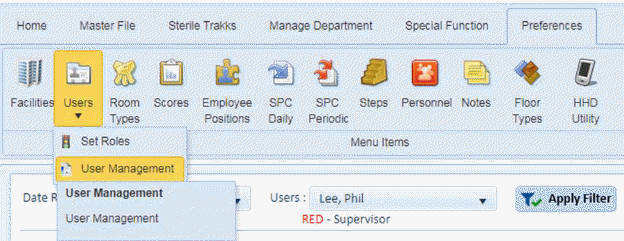
Below is the procedure to modify/edit a user’s information:
1. Open the Preferences > Users > User Management option as shown in the screenshot below:
You will be shown a screen similar to the one below:
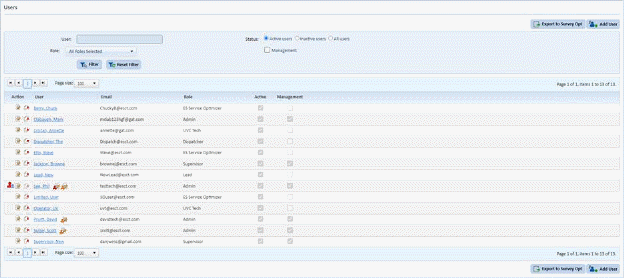
2. Select the user to update enter the name in the user search box and click the “Filter” button.
3. Click
on the Edit button  or on the name
of the user to display the figure below:
or on the name
of the user to display the figure below:
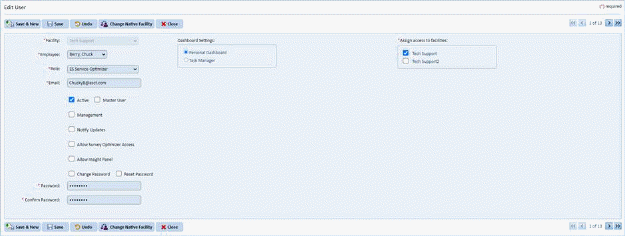
4. Update the necessary information.
5. After
making the changes, click on the Save button . To cancel, click on the Undo
button
. To cancel, click on the Undo
button .
.
6. Click
on the Close button  to return to
the Users List.
to return to
the Users List.
7. Repeat steps 2 through 6 for all other users you want to change.