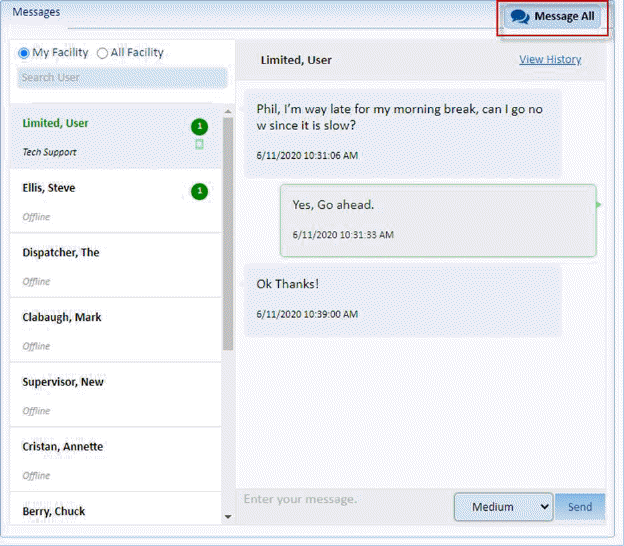
When you open the home page you will see a button in the Messages window labeled Message all as shown below:
1. When
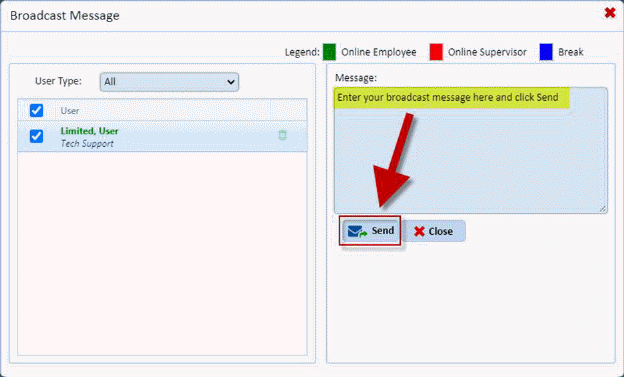
you click on the Message All button  you will see the screen below:

2. Just enter your message in the message box and click send and it will go to the users specified in the left hand panel.
Note: You can filter the using the checkboxes
to the left of the employees name or you may use the “user type” dropdown 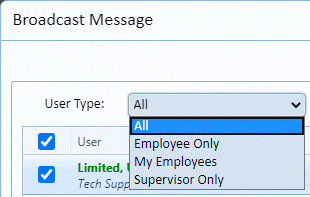
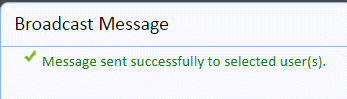
3. Once the message has been sent you will see this notification as shown below:
4. If you
change your mind and do not wish to “Message All” simply use the Close button
 .
.
Note: It is important to remember that this IS NOT a dialog whereby if Employee 1 responds, all employees see the response. Any response will go back to the individual sending out the message in their message feature. This is a send out only.