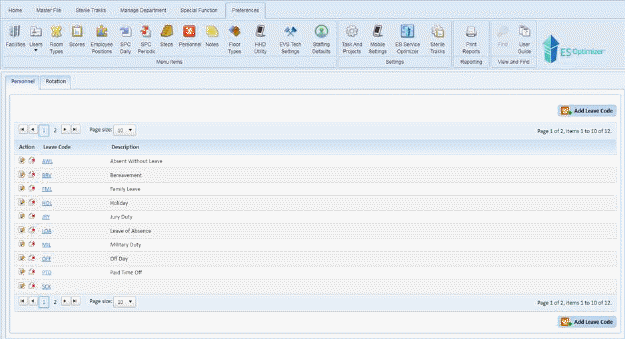
Below is the procedure to make daily modifications in your
Schedule. These daily modifications can come in the form of the Leave
Codes set in Preferences >> Personnel >>Personnel Tab:
Typically these are Vacation, Holiday, Sick Day, PTO, LOA, FMLA, etc.
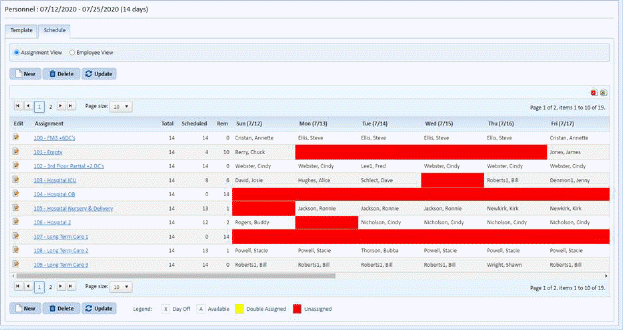
1. Go to the Schedule Tab in the Personnel Module, as shown in the figure below:
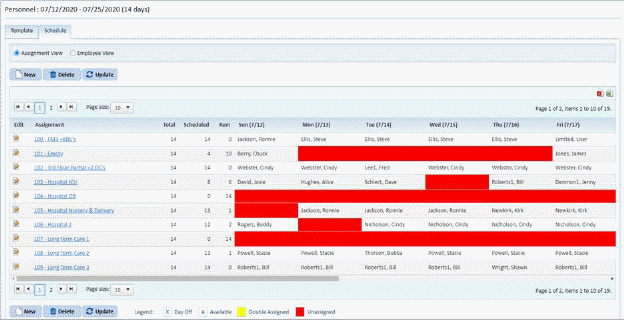
2. Select
an assignment and click on the Edit button  in the Edit column
 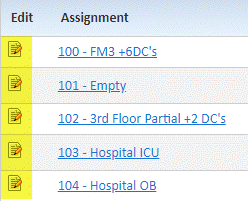 to open the figure below:
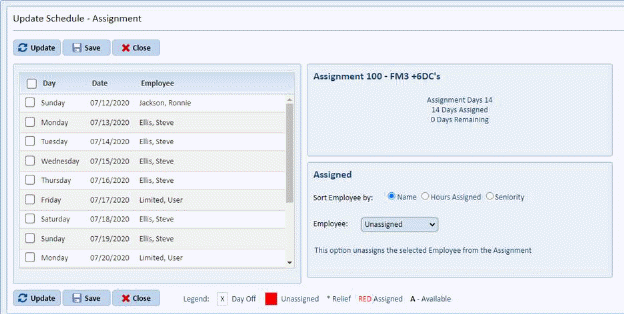
3. Click on the check box(es) to change the Days you want that employee working. Below is a sample of several days being checked.
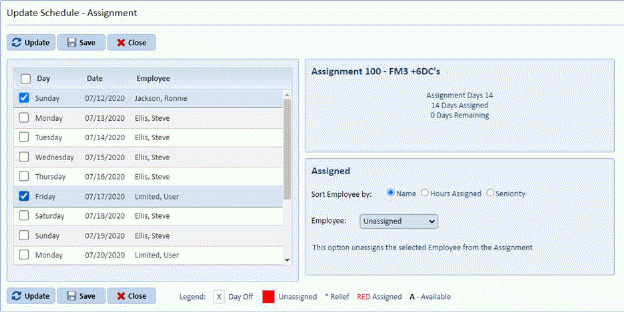
4. Select the employee going to be assigned to work the selected days.
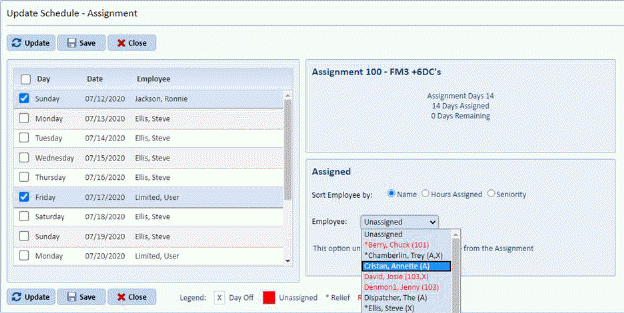
Below is an example:
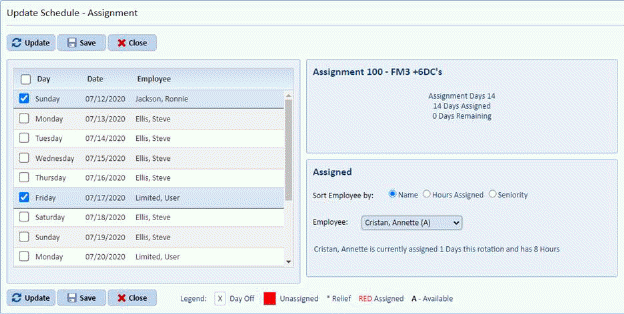
5. Click
on Update button  and you will open
figure below:
and you will open
figure below:
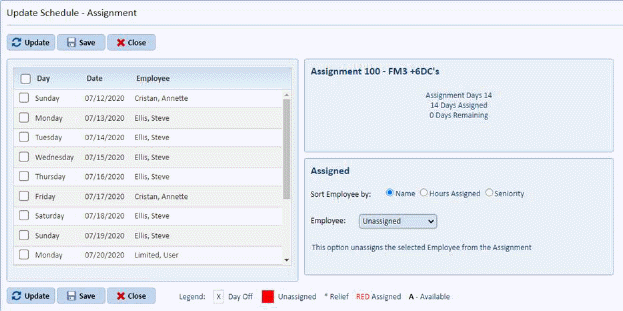
6. Click
on the Save button  to save the
changes and return to the main schedule. To cancel, click on the Close
button
to save the
changes and return to the main schedule. To cancel, click on the Close
button .
.
7. Repeat steps 2 through 7 for all other employees you need to update.