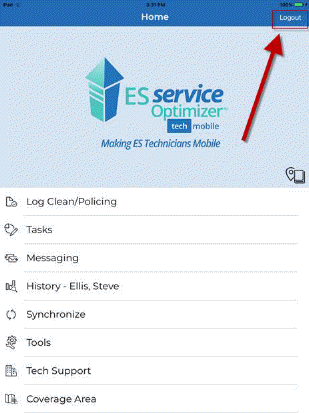
As shown in the upper-right corner of the screenshot below, there is the Logout button.
In ES Service Optimizer, the log out function is not just to log a user out of the app. The Logout button opens a menu to specify what the purpose of the log out is:
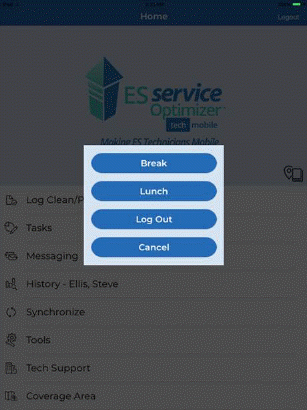
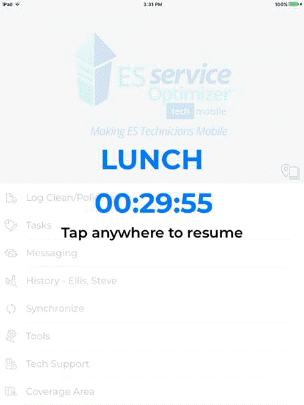
The user (employee) can log out because he/she is on break or on lunch break. If the user is done using ES Service Optimizer, there is also the Log Out button. Depending on which button is pushed, supervisors can tell if an employee is on break, lunch, or done for the day. The user (employee) when “logging out” for lunch or break will get a timer showing how much time they have left on break.