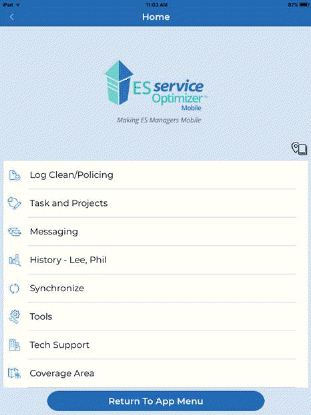
To log out of the application select the “Return to Main Menu” button located at the bottom of most menus. Once you navigate to the main menu you will notice the button change to “Return To App Menu” as shown below:
1. Tapping the “Return To Main Menu” take you to the Application Selection Menu as shown below:
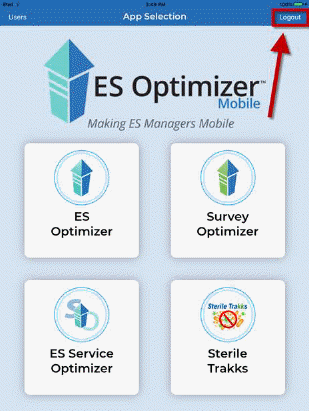
2. Tap the “Logout” button, synchronization will occur and the application will close.