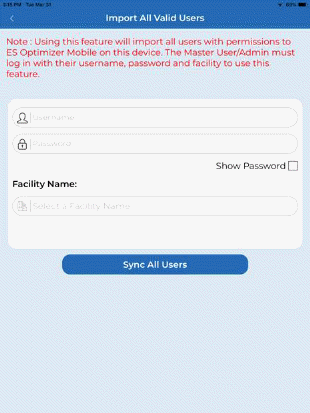
a) If you are an Admin or Master User and you wish to “Import All Valid Users” please tap the “Import All Valid Users” button now and you will get the screen below left:
b) Enter your ES Optimizer credentials (email address in the Username field and your password in the password field) and tap in the Facility name box on the grey text that’s says: “Select a Facility Name” and you will see your facility/s as shown below:
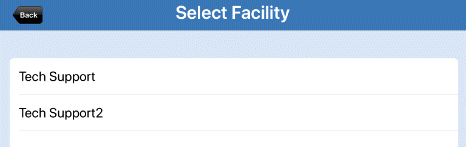
c) Select the facility name for the users you would like to import into the app. Your facility name will now appear in Import all Valid Users screen. As shown below:
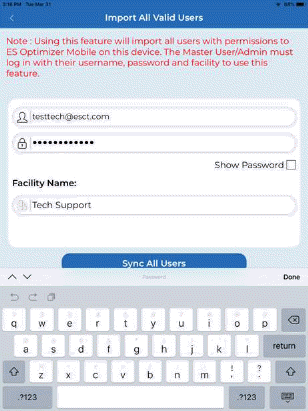
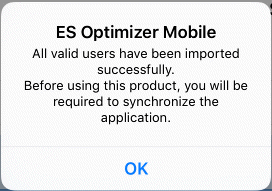
d) Tap on “Sync All Users” to import all valid users into the app. Once completed successfully you will see this dialogue: