
The disinfected rooms module provides a means to view the rooms disinfected by user, or all over a selected time period.
1.
Select the UVC Operator: 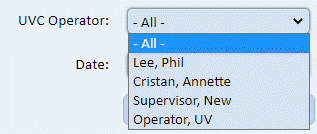
2.
Select the date/range: 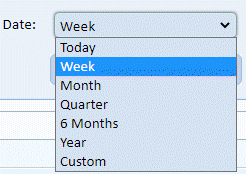
3.
Click the Search button  . You will
see a screen similar to the one below:
. You will
see a screen similar to the one below:
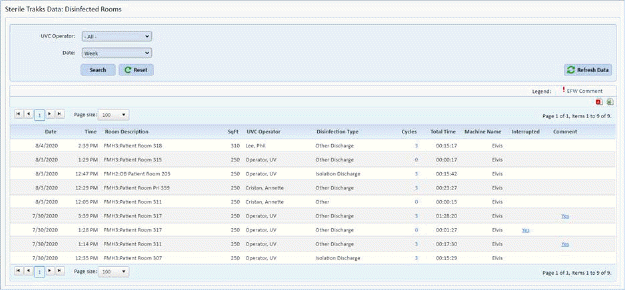
User may view the Interrupted and or comments by clicking on the “Yes” in each column if present.
Tip: If user selects “Today” a refresh button
 is provided to import the latest
information directly from the server.
is provided to import the latest
information directly from the server.