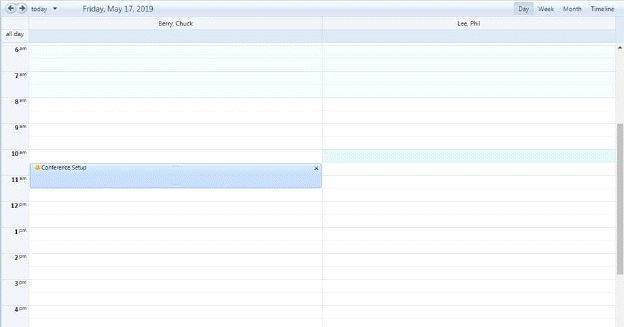
The steps to delete tasks in the Calendar module are below:
1. Select the task you want to remove(delete) as shown in the figure below:
2. Click on the X button next to the task name. You will receive the notification below:
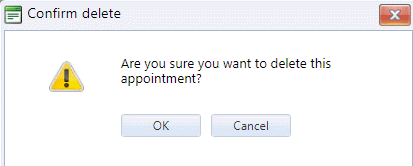
3. Answer the prompt.
4. Repeat steps 1 through 3 for all other tasks/appointments you wish to delete.