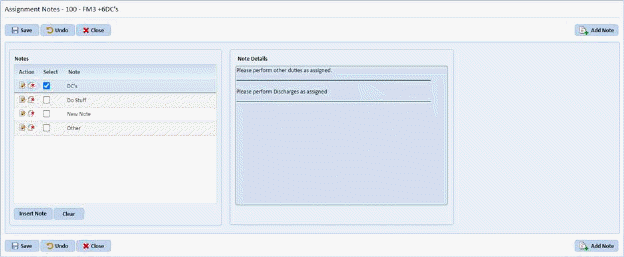
Below is the procedure to delete stored assignment notes:
1. Click on the Settings Tab. You will open the figure below:
2. Click
on the Insert Stored Assignment Note button . You will display the figure below:
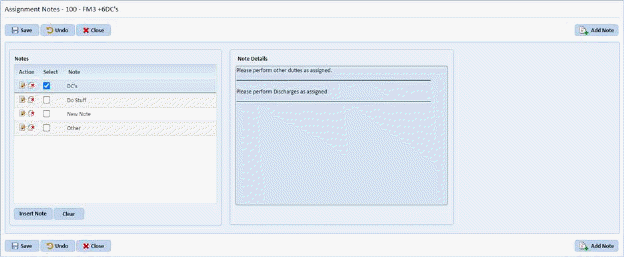
3. If the
note you wish to delete is in use on this assignment you must select the Clear
 button to remove the note from the
assignments before you may delete it.
button to remove the note from the
assignments before you may delete it.
4. Once the note is cleared the screen will look like below:
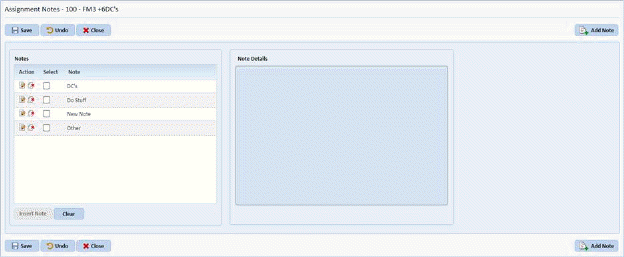
5. Click
on the Delete button  before the
Note name. You will be prompted with the confirmation figure below:
before the
Note name. You will be prompted with the confirmation figure below:
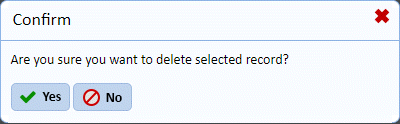
6. Answer the prompt.
7. Repeat steps 3 through 5 for all other stored assignment notes you wish to remove.