 to open the Staffing Defaults Module as
shown below:
to open the Staffing Defaults Module as
shown below:Below are the steps to delete Staffing Defaults:
1. Click on the Staffing Defaults button to open the Staffing Defaults Module as
shown below:
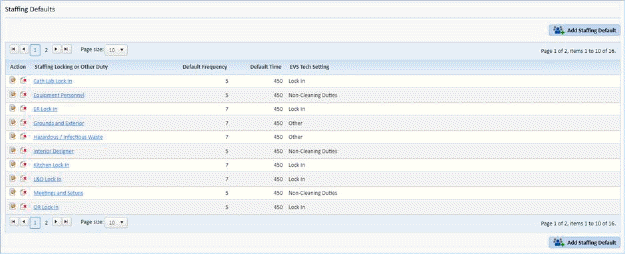
2. Select the Staffing Default you wish to remove.
3. Click
on Delete button  before the Staffing
Default.
before the Staffing
Default.
4. Answer the prompt as necessary.
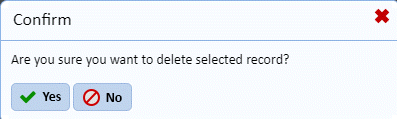
NOTE: If the Staffing Default is “in use,” the user will not be able to delete that record.
5. Repeat steps 2 through 4 for all other Staffing Defaults you want to delete.