 to open the
SPC Daily List.
to open the
SPC Daily List.Below is the procedure to remove existing Daily SPC Codes from ES Optimizer:
1. Click
on the SPC Daily button to open the
SPC Daily List.
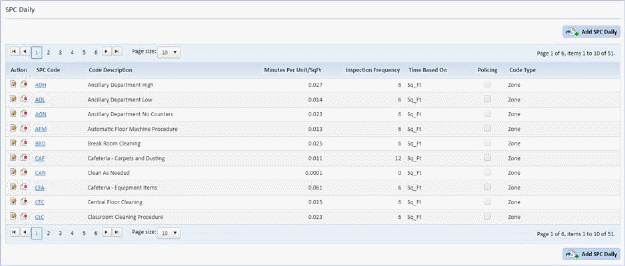
2. Select
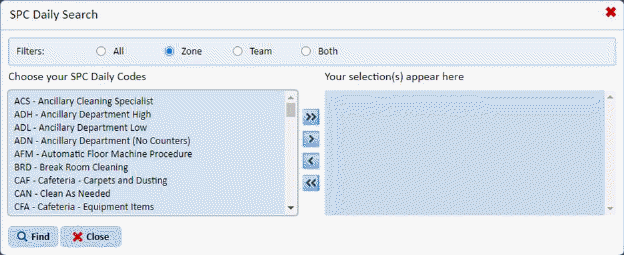
the SPC code you want to delete by clicking on the Find button  , opening the search form below and scrolling
through the list:
, opening the search form below and scrolling
through the list:
Or, use the SPC Daily List and scroll through the SPC Cleaning Code records:
3. Click
on the Delete button  before the
Cleaning Code.
before the
Cleaning Code.
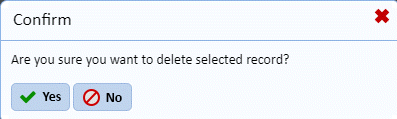
4. Answer the confirmation prompt that will be displayed as shown below:
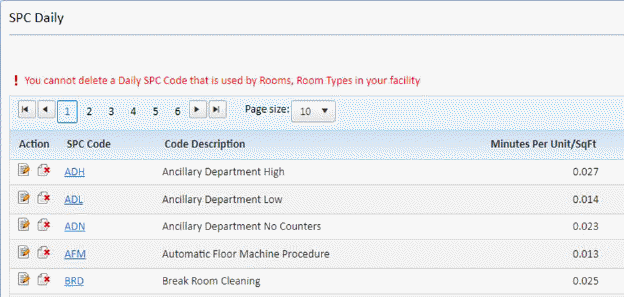
NOTE: If you try to delete an SPC code that is in use, you will receive a warning prompt as shown in the figure below:
5. Repeat steps 2 through 4 for all other cleaning codes you want to remove from the system.