 to open the
Shifts List.
to open the
Shifts List.Below is the procedure to remove shifts from your database:
1. Click
on the Shifts button to open the
Shifts List.
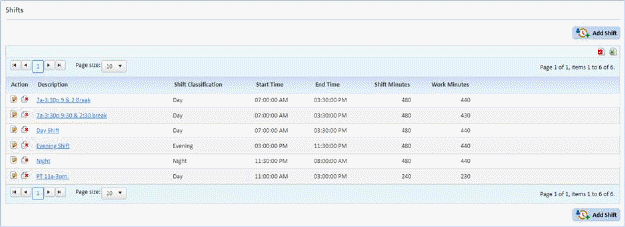
2. Select
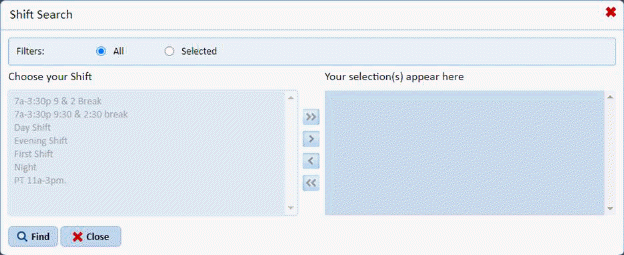
the shift you want to remove by clicking on the Find button  to receive the figure below:
Or use the Shifts List as shown below to search the records of shifts:
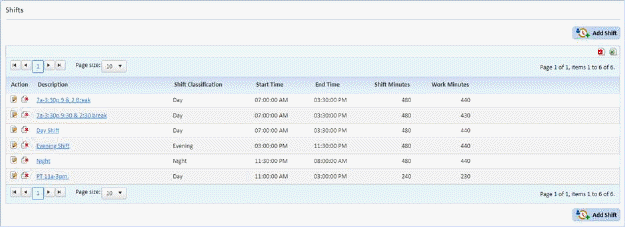
3. After
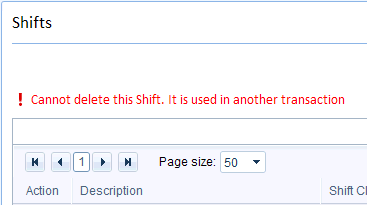
selecting the shift, click on the Delete button  . If the shift is not in use in other
modules (i.e., Daily Assignments), you will receive a notification the shift is
in use and cannot be deleted as seen below:
. If the shift is not in use in other
modules (i.e., Daily Assignments), you will receive a notification the shift is
in use and cannot be deleted as seen below:
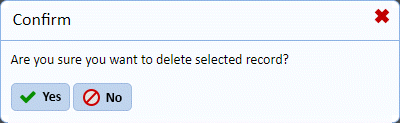
4. Answer the prompt below to delete the selected shift.
5. Repeat steps 2 through 4 for all other shifts you want to remove