 to open the
Floor Types List.
to open the
Floor Types List.To delete floor types from the system, please do the following:
1. Click
on the Floor Type button to open the
Floor Types List.
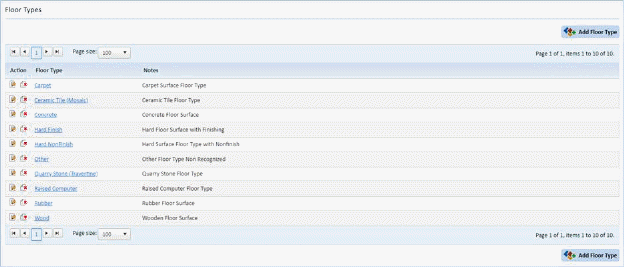
2. Select the floor type you wish to remove.
3. Click
on Delete button  before the floor
type.
before the floor
type.
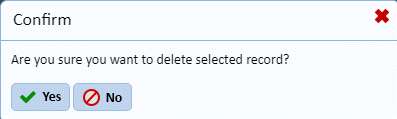
4. Answer the prompt as necessary:
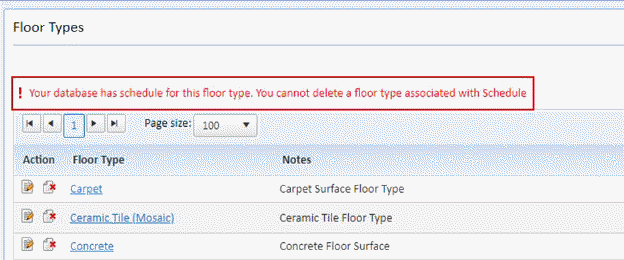
NOTE: If the selected floor type is present in a Project Assignment, you will receive the warning message below:
5. Repeat steps 2 through 4 for all other floor types you want to delete.