 to access the
task/s.
to access the
task/s.Below are the procedures for deleting tasks in the Calendar or Task List:
1. Click
on Task List button to access the
task/s.
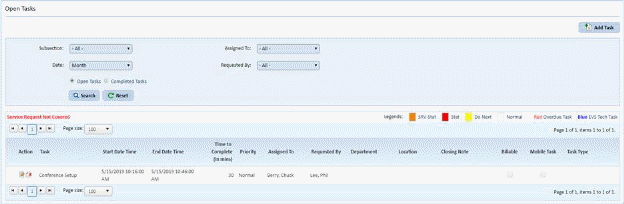
2. You can apply search criteria to locate the desired task you want to delete:
3. Click
on the Clear Task button  before the task
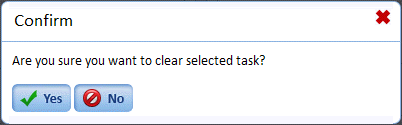
name you selected. You will get the prompt below:
before the task
name you selected. You will get the prompt below:
4. Answer the prompt.
5. Repeat steps 2 through 4 for all other tasks you want to delete.