 to
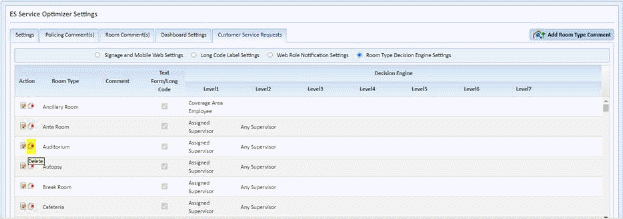
the left of the Room Type you wish to remove. An example screen is shown
below:
to
the left of the Room Type you wish to remove. An example screen is shown
below:1) Locate the Room Type you would like to delete.
2) Click
on the action column Delete Icon to
the left of the Room Type you wish to remove. An example screen is shown
below:
3) You will receive the following dialogue box:
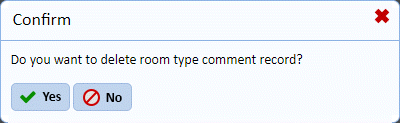
4) Answer the prompt.
5) Repeat Steps 1 through 4 for all room types you wish to remove.