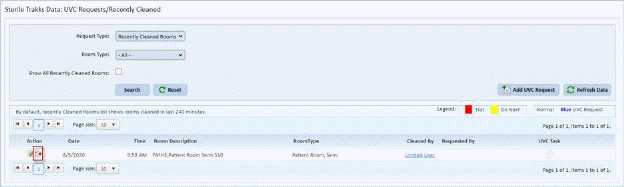
To delete a UVC Request or a Recently Cleaned room follow the procedure below:
1. In the Request Type dropdown select the item you wish to delete
2. Click the Search button to display the result as shown below:
3. Click
the delete icon  to the left of the
item you wish to remove as shown above.
to the left of the
item you wish to remove as shown above.
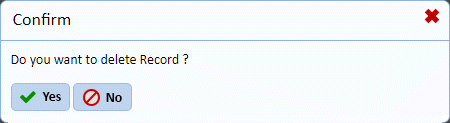
4. Answer the prompt as shown above.
5. Repeat steps 1-4 for all items you wish to delete.