 Icon to the left of
the infection rate you wish to delete as shown below:
Icon to the left of
the infection rate you wish to delete as shown below:To delete an infection rate follow the steps below:
1. Select a date range in the Date dropdown that will display the infection rate you wish to edit
2. Click
on the delete Icon to the left of
the infection rate you wish to delete as shown below:

3. You will receive the dialogue box shown below:
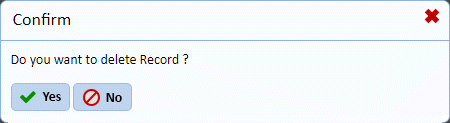
4. Answer the prompt.
5. Repeat Step 1-4 for all infection rates you wish to remove.