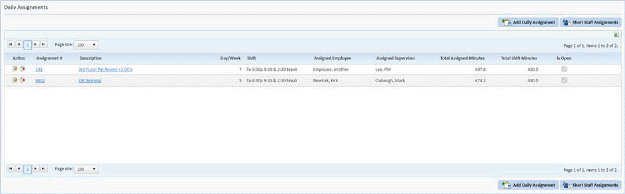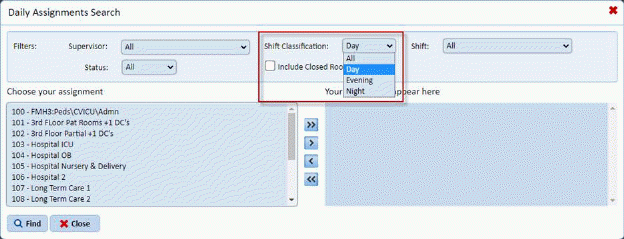
In order to search your daily assignments by shift a new set of dropdowns is added to the “Find” (Search) feature when in daily Assignments.
User may select a Shift which will narrow selections available in Daily Assignments Search box as shown below:
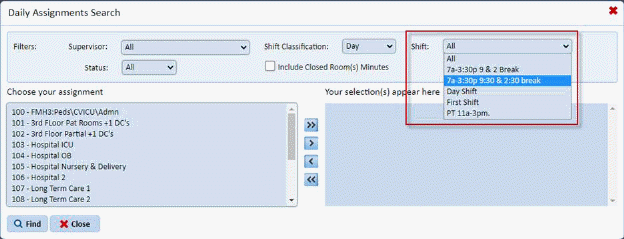
User may further select an individual shift to further reduce selections to those desired as shown below:
User may also optionally select (Open, Closed, or All) criteria to be applied to shift selections made as shown below:
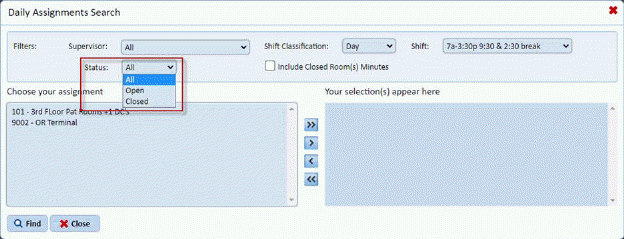
The result after a few quick selections is shown below:
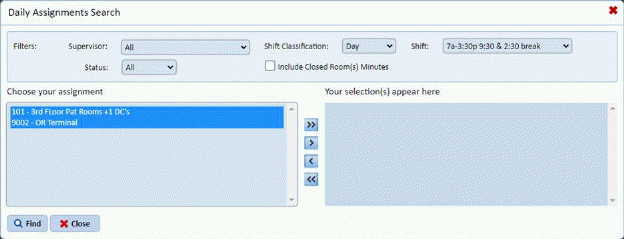
User may now use Ctrl-Sel or Shift-Sel to select groups of assignments to be moved to selection box at right.
The control arrows in center of the boxes are still used to select assignment(s) as shown below:
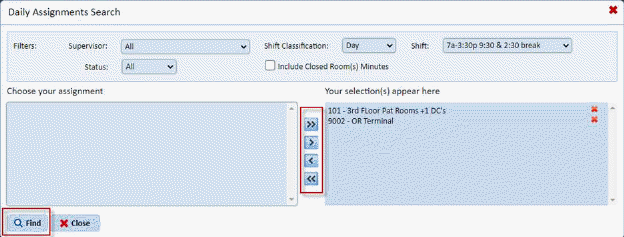
Clicking the “Find” button shows the selection you made above: