-
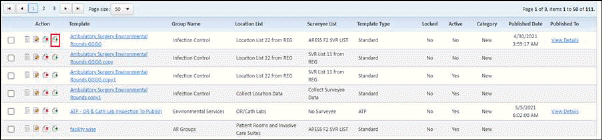
User can copy existing template by clicking on  icon
icon
- When user copies a template (say Template 1), then it is copied to as “Template 1 Copy”.
- Version: Version of the copied template is auto increment based on source template.
- Equivalency: Copied template is equivalent to the source template.
- The copied template is not available to any survey facility until it gets published.
- The copied template is having same properties (questions, settings, surveyee list, location list) as of source template.
- User can Publish the newly added template or copied template to multiple accounts or facilities by clicking on “Publish” button.