There are several buttons that change the way users view the calendar. Below is a description of the buttons for each available view:
Today – Clicking on the “Today” button in the Calendar shows the current day’s schedule.
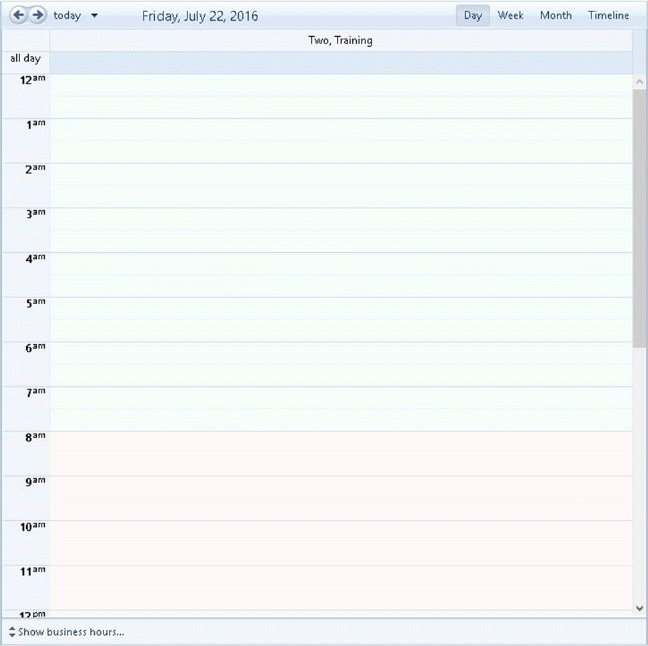
Day – Clicking on the Day button in the Calendar shows the selected full day schedule.
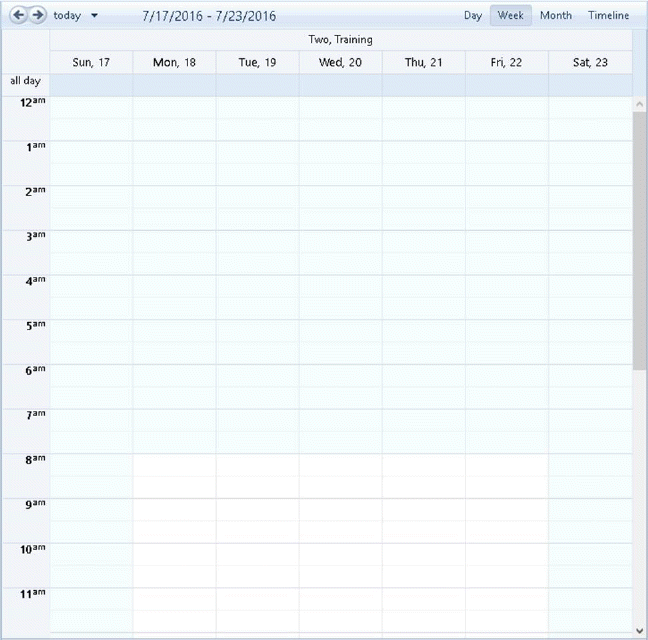
Week – Clicking on the Week button in the Calendar shows all tasks in the schedule for the current week.
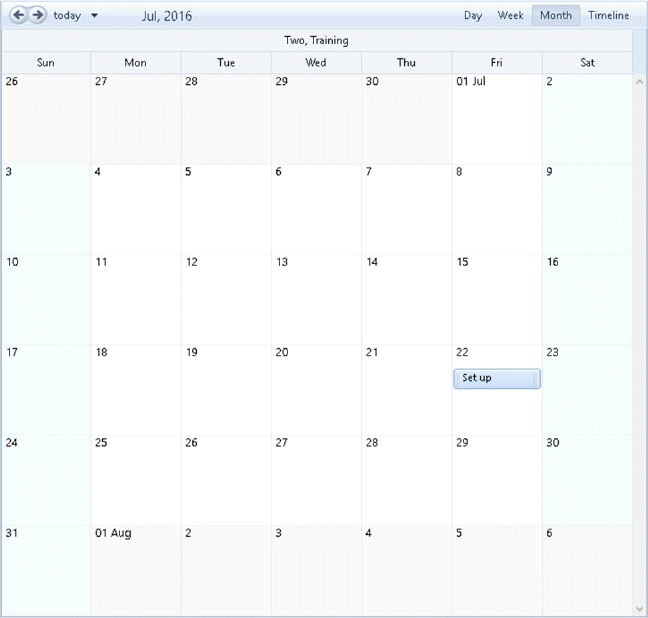
Month – Clicking on Month button in the Calendar shows all the tasks scheduled for the current month.
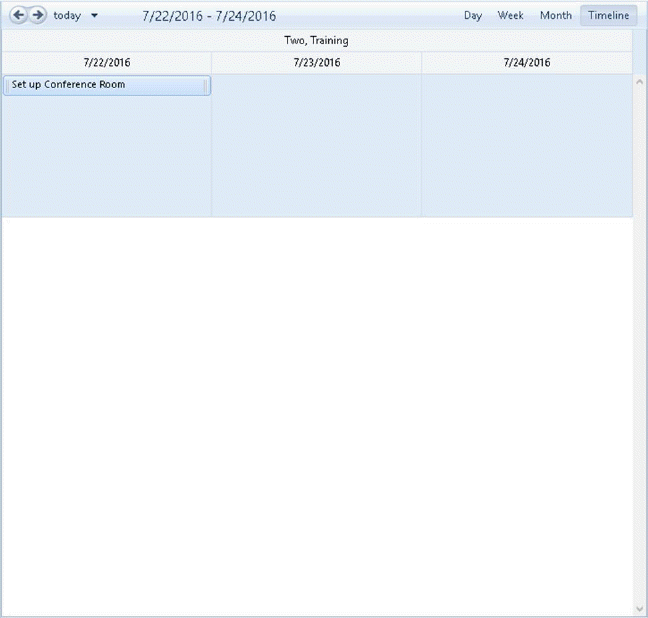
Timeline – Clicking on the Timeline button in the Calendar shows all the tasks scheduled for 3 days’ worth of tasks. The Timeline can be moved by clicking a date on the calendar or fine tuned using the arrows.