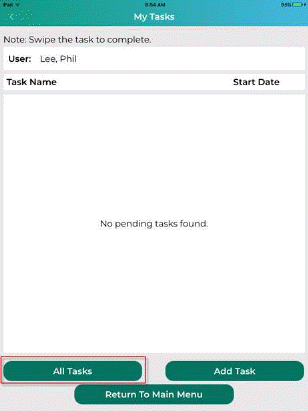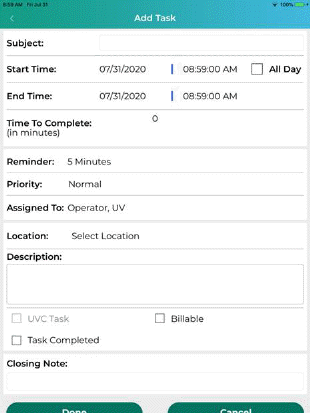
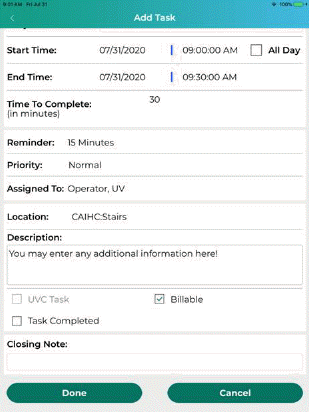
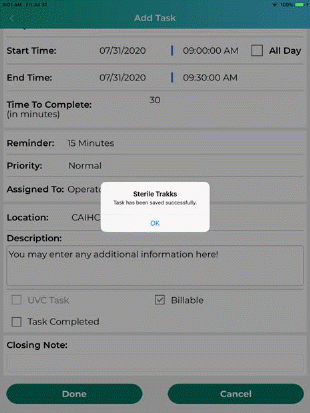
User may tap the Add Task button to add a task the system as shown below:
User can complete as many details as desired and click the “Done” button to save the task.
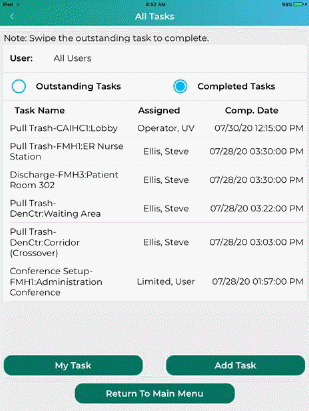
If User is a Supervisor the “All Tasks” button will be shown. User is also able to view completed tasks by tapping the Completed Tasks radio button as shown below: