
Additional settings for inspections can be found in the Facility Module in the Preferences Tab:
By clicking on the Facilities button  and opening the Settings Tab you will
find the Facility details Settings as shown in the figure below:
and opening the Settings Tab you will
find the Facility details Settings as shown in the figure below:
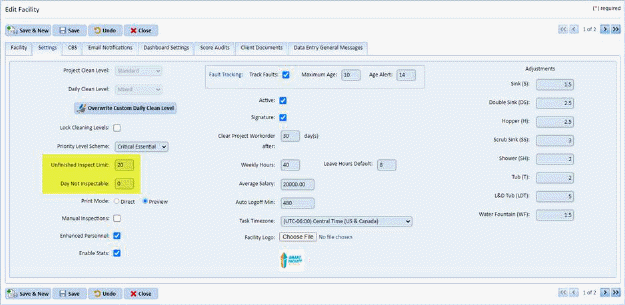
The highlighted fields need to be reviewed:
Unfinished Inspection Limit 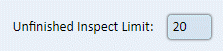 - This field contains the number of open
or unfinished inspection dates that the user can create per supervisor.
Until an inspection date of rooms is completed, users cannot create more
inspections for the supervisor(s).
- This field contains the number of open
or unfinished inspection dates that the user can create per supervisor.
Until an inspection date of rooms is completed, users cannot create more
inspections for the supervisor(s).
Days Not Inspectable 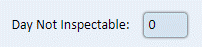 - This field specifies how often rooms
can be inspected after they have been inspected. This means that if a room
was inspected, that same room cannot be inspected again until a certain number
of days has passed.
- This field specifies how often rooms
can be inspected after they have been inspected. This means that if a room
was inspected, that same room cannot be inspected again until a certain number
of days has passed.