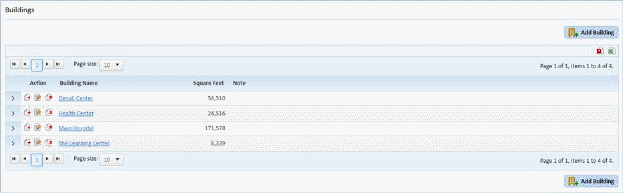
Adding floors is (almost) the same procedure as adding buildings, but an additional step has been included.
Below is the procedure for adding floors to a building record:
1. Select the building record that you want to add floors.

2. To add
floors records, click on the Add Floor button  and the figure below will open:
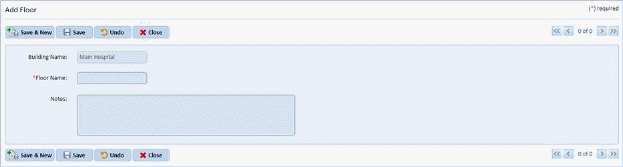
3. Enter the new floor.
4. Click
on the Save button  to save the new
floor. To cancel, click on the Undo button
to save the new
floor. To cancel, click on the Undo button .
.
5. Click
on the Close button  to return to the
Buildings List.
to return to the
Buildings List.
6. Repeat steps 2 through 5 for all other floors to be entered in the selected building.