 to open
the Departments List in the Departments form:
to open
the Departments List in the Departments form:Below is the procedure for adding departments to your database:
1. Click
on the Departments button to open
the Departments List in the Departments form:
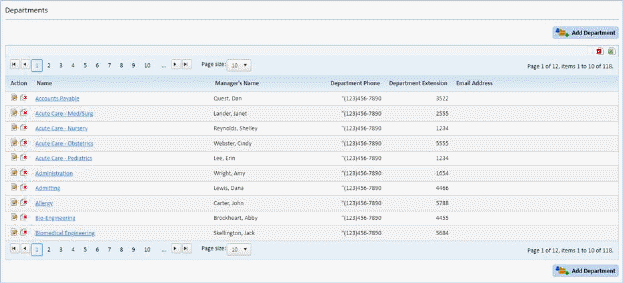
2. Click
on the Add Department button  and you
should receive the figure below:
and you
should receive the figure below:
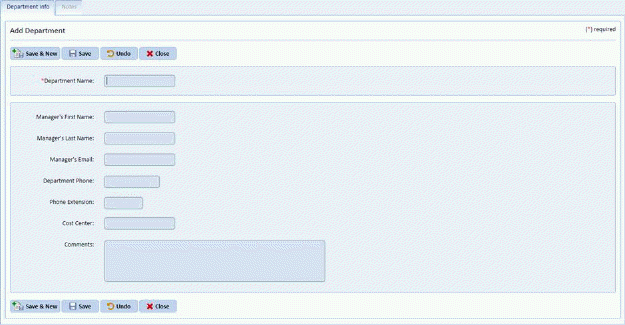
3. Enter the information for the new department.
4. If you
are satisfied with the information for the new department, click on the Save
button . You will receive the
notification
. You will receive the
notification 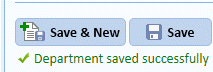 if the
record was successfully saved. Otherwise, click on the Undo button
if the
record was successfully saved. Otherwise, click on the Undo button  .
.
5. Click
on the Close button  to go back to
the Departments List.
to go back to
the Departments List.
6. Repeat steps 2 through 5 for all other departments you want to enter.