 to open the
Notes List in the Employee Tab.
to open the
Notes List in the Employee Tab.Below is the procedure for adding categories to the Department (Note Category) tab:
1. Click
on the Notes button to open the
Notes List in the Employee Tab.
2. Click on the Department Tab.
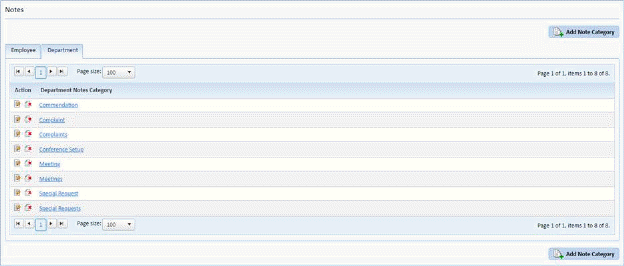
3. While
in the Department tab, click on the Add Note Category button  to open the figure below:
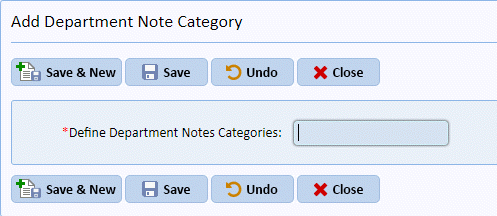
4. Enter the new Department Note Category.
5. Click
on the Save button  if you want to
save your new Employee Note Category. To cancel, click on the Undo
button
if you want to
save your new Employee Note Category. To cancel, click on the Undo
button .
.
6. Click
on the Close button  to return to the
Notes List.
to return to the
Notes List.
7. Repeat steps 2 through 6 for all other Employee Note Categories you wish to add.