 to open the Staffing
Defaults Module as shown below:
to open the Staffing
Defaults Module as shown below:Below are the steps to add new Staffing Defaults:
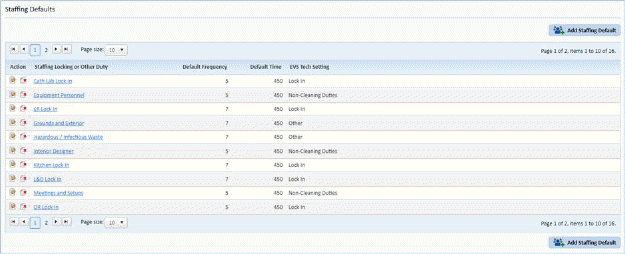
1. Click on the Staffing
Defaults button to open the Staffing
Defaults Module as shown below:
2. Click
on the Add Staffing Default button  .
This opens the figure below:
.
This opens the figure below:
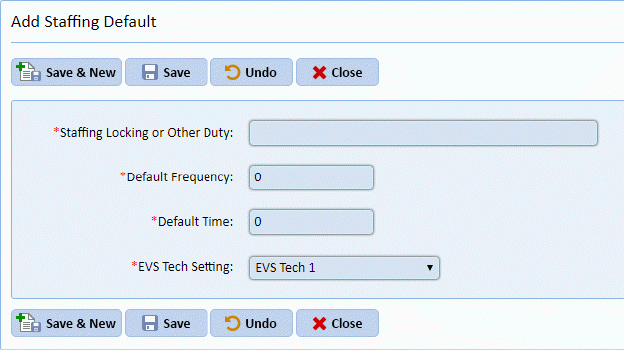
3. Enter the necessary information.
4. Click
on the Save button  to save the new
Staffing Default. Click on the Undo button
to save the new
Staffing Default. Click on the Undo button  to cancel the process.