 from within the Infection Rate
menu. You will be shown the form below:
from within the Infection Rate
menu. You will be shown the form below:To add an infection rate follow the steps below:
1. Click
on the Add Infection Rate button from within the Infection Rate
menu. You will be shown the form below:
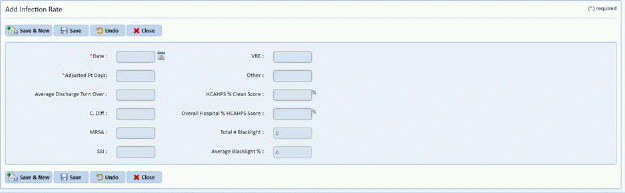
2. Enter
as much information as possible and click the Save button  to save your rate. The Save &
New button
to save your rate. The Save &
New button  is an option if you wish
to save the rate just entered and enter rates for a new time frame.
is an option if you wish
to save the rate just entered and enter rates for a new time frame.
3. Click
the Close button  when you finished
entering rates.
when you finished
entering rates.